

Learn how to streamline your workflow by managing your websites and their associated email addresses from a single dashboard. This guide walks you through navigating between the "Sites" and "Emails" sections to handle everything in one place, saving you time and effort.
Managing Your Websites
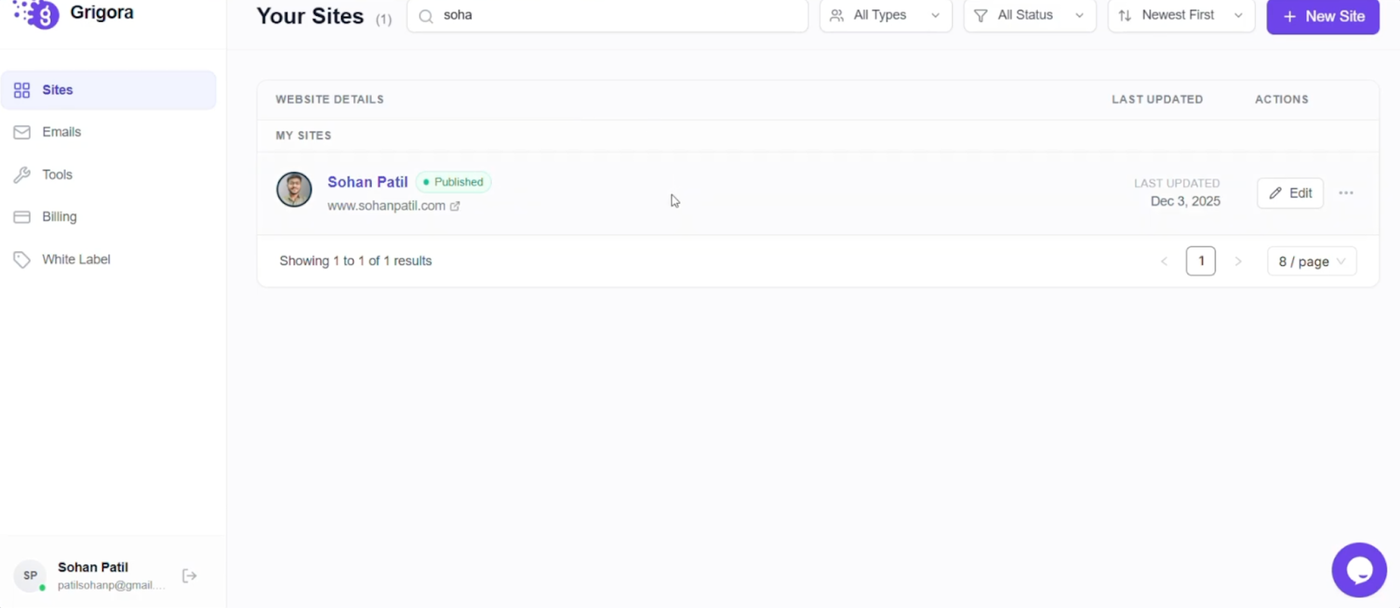
In the Grigora dashboard, locate the "Sites" option in the left sidebar to view your connected projects. Under this section, you can add your existing website or manage current ones.
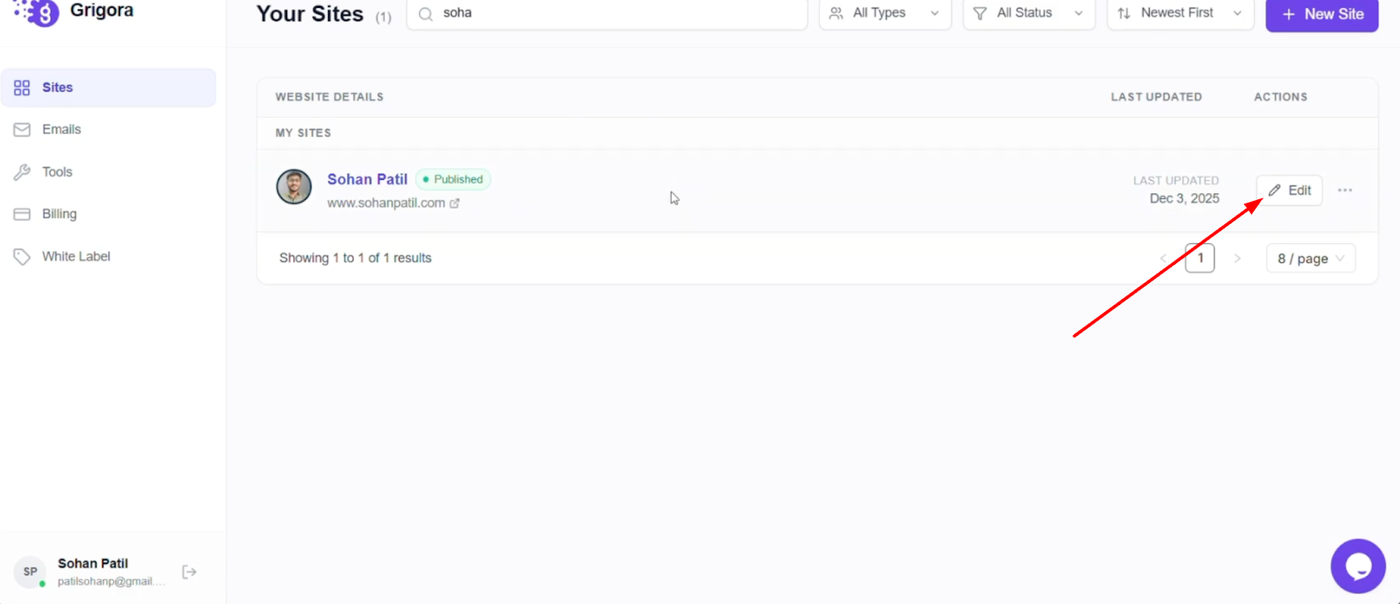
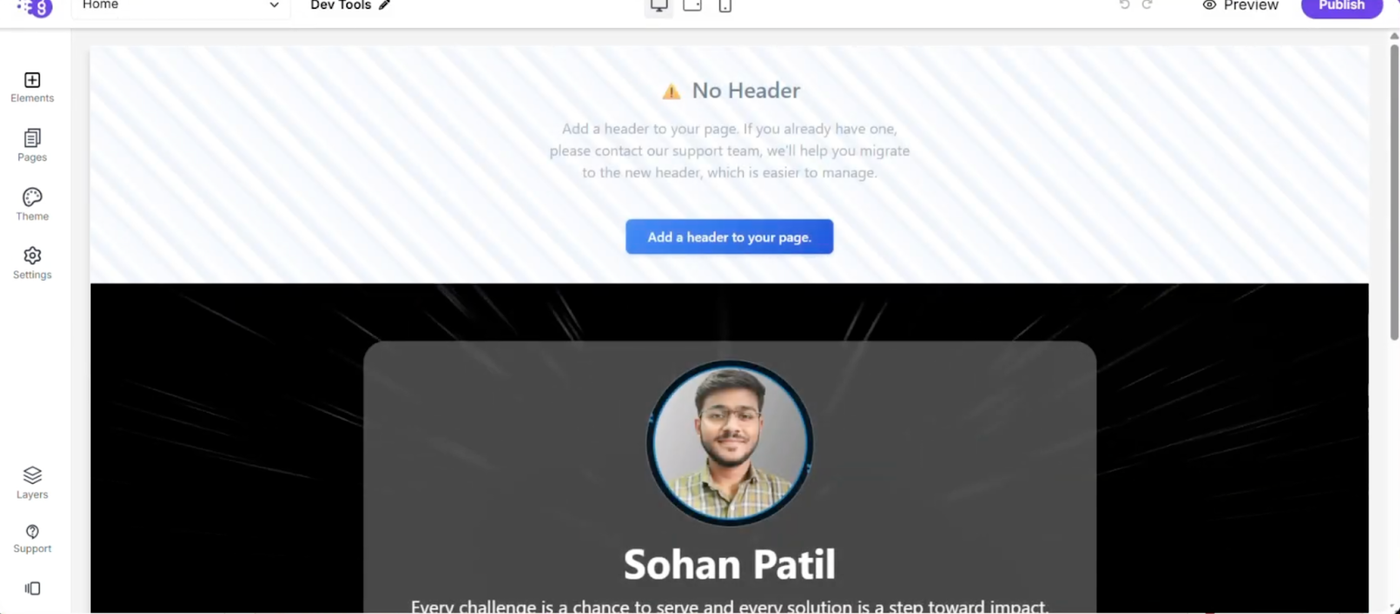
To make updates, find the "Edit" option on the right side opposite each site name. Click it to modify your site details directly from the dashboard.
Handling Site-Related Emails
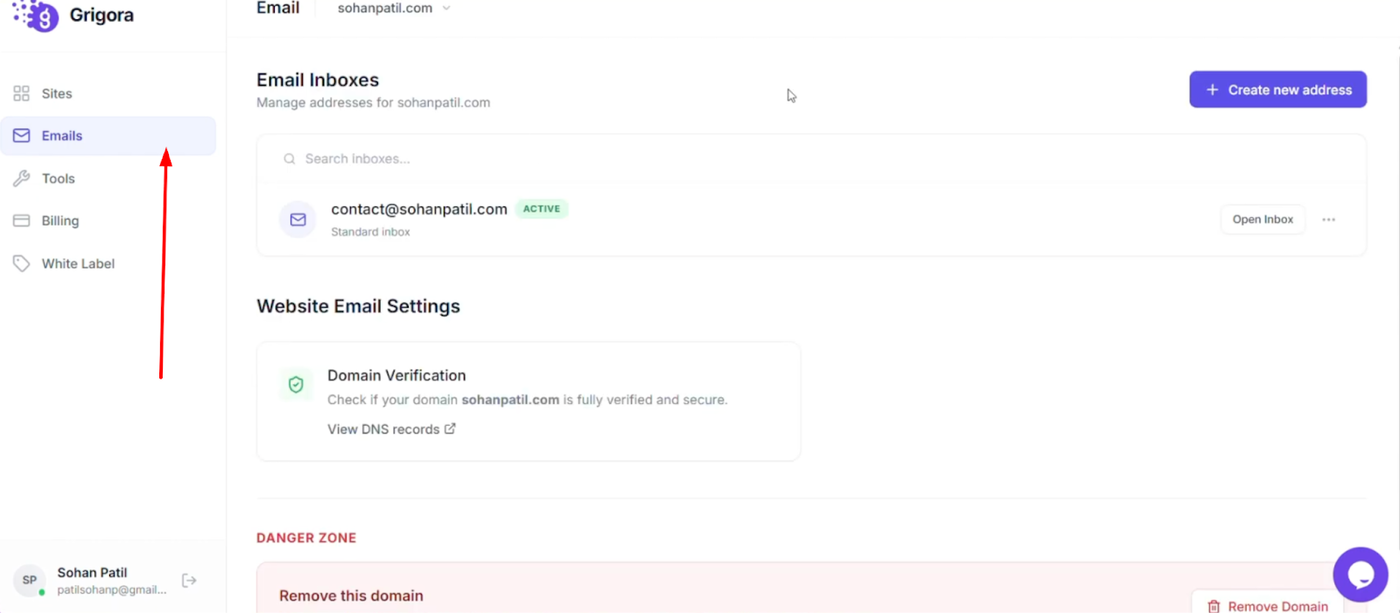
Switch to the "Emails" section to manage the communications for your projects. Here, you can view and control all mail details, including current mail addresses and connected domains.
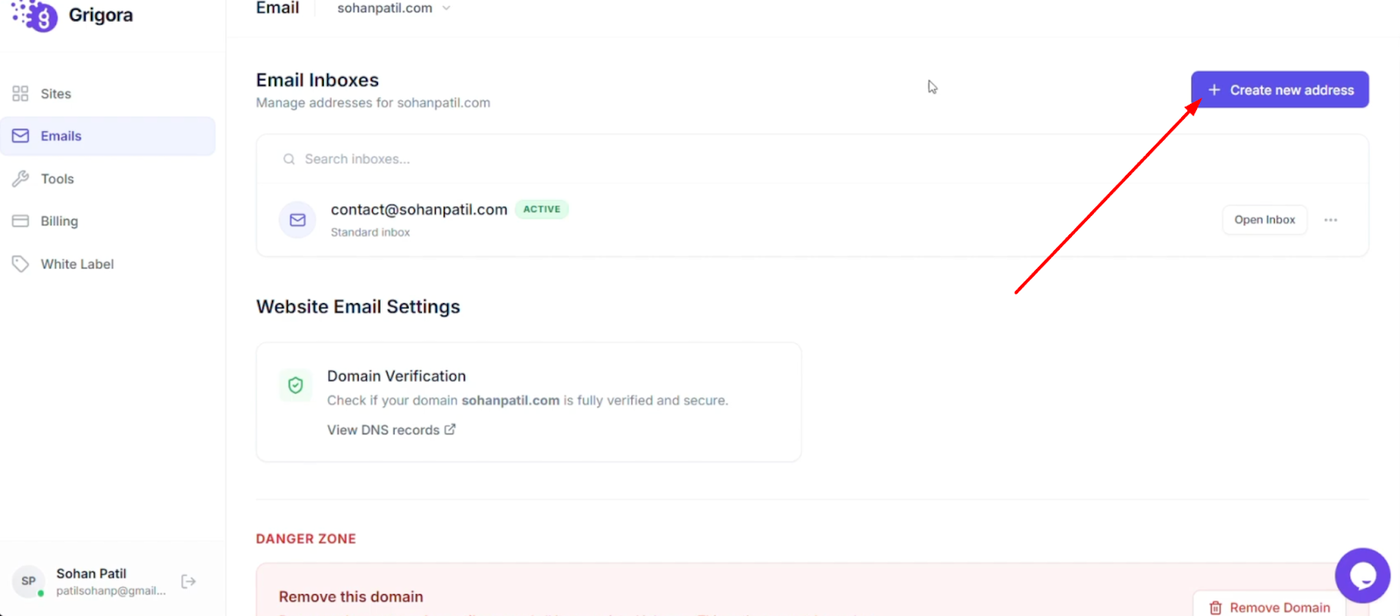
You also have the option to "Create new email address" as required, allowing you to seamlessly integrate your website management with your professional email setup.