

Learn how to use Grigora's AI feature to instantly condense lengthy email threads into clear, actionable overviews. This guide will show you how to access the summarizer tool to quickly identify key points and action items without reading through every message.
Opening an Email Thread
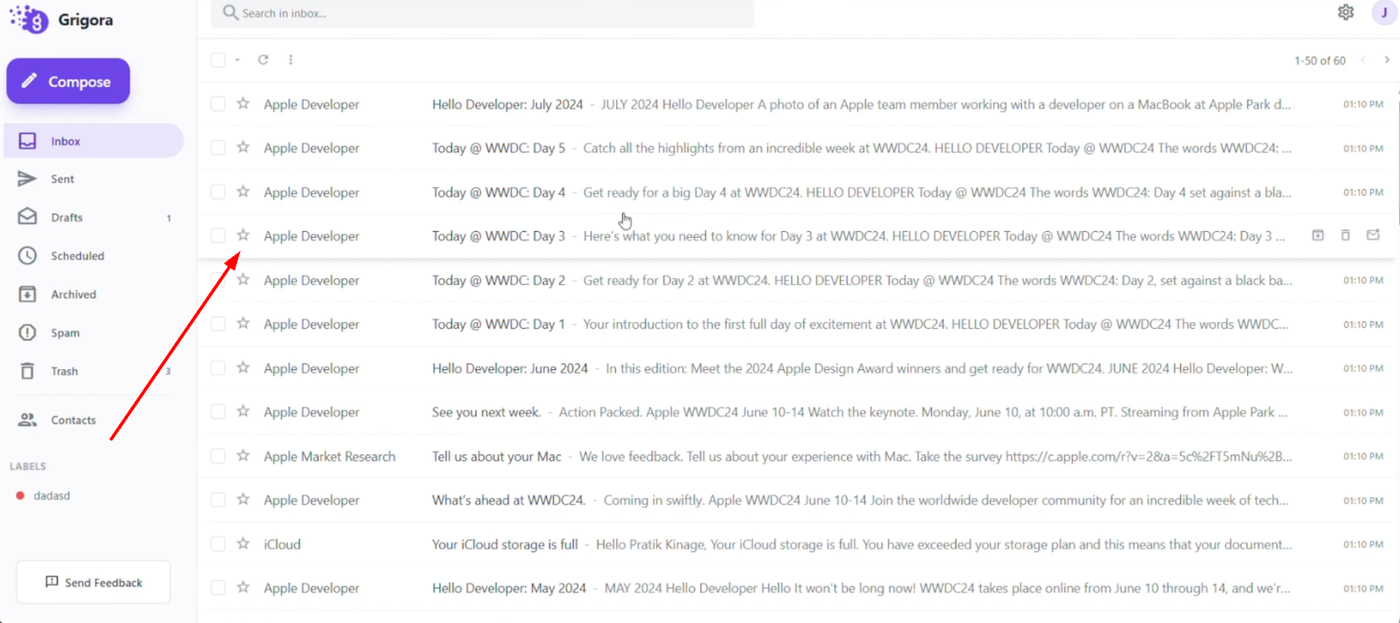
Open your inbox from the left sidebar to view your received messages. Click on any email conversation you want to summarize to open the full thread view.
Generating the Summary
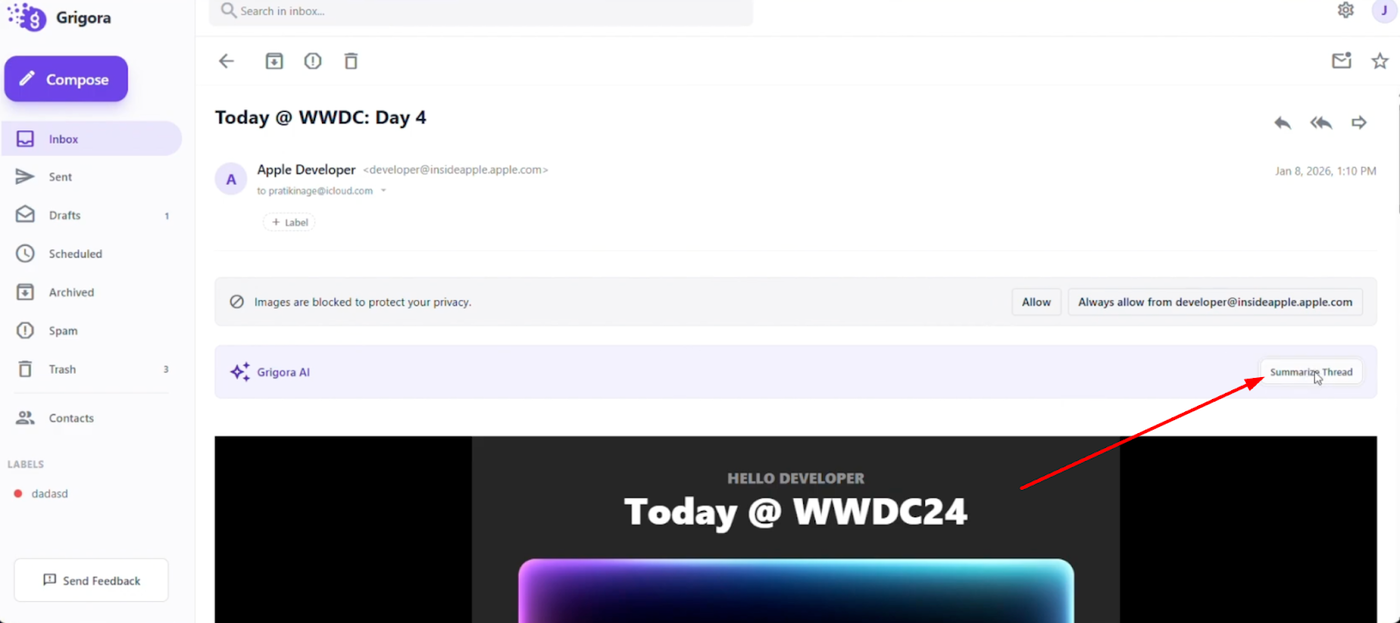
Locate the Grigora AI summarizer feature within the open email. Click the "Summarize thread" button to let the AI analyze the entire conversation.
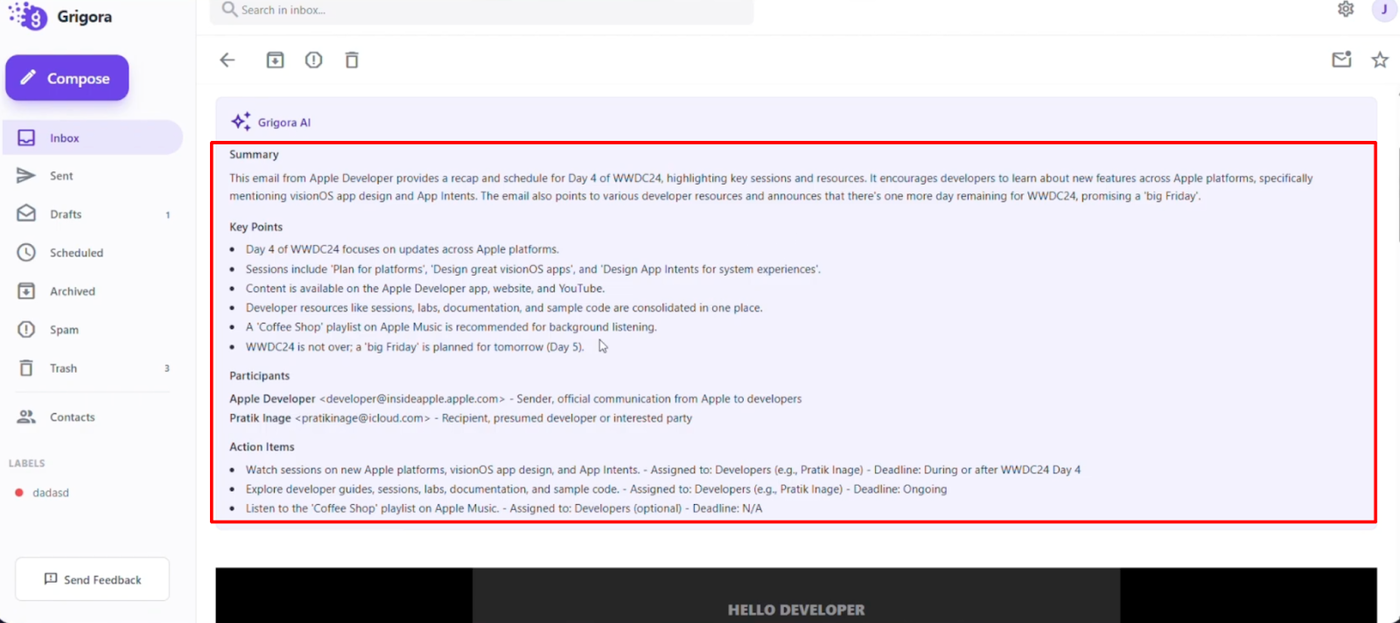
The system will instantly generate a structured summary that highlights key points, participants, and specific action items. This allows you to understand complex discussions at a glance and boost your productivity.