

Modern websites rely on rich, structured content—from blog posts and event listings to property catalogs, menu directories, and media libraries. Grigora MCP equips your AI assistant with direct access to your site’s Content Management System (CMS), Custom Directory databases, Media Asset pipeline, and Newsletter subscriber schemas.
Overview of Content & Data Capabilities
Grigora MCP provides 32 specialized tools dedicated to dynamic content and structured databases across four key areas:
Blog & Article CMS: Complete publishing lifecycle for editorial content.
Custom Directory Collections: Schema definition and record management for custom databases.
Asset & Media Pipeline: Inspecting, uploading, and purging images and documents.
Audience & Subscriber Schema: Managing newsletter recipient lists and demographic attributes.
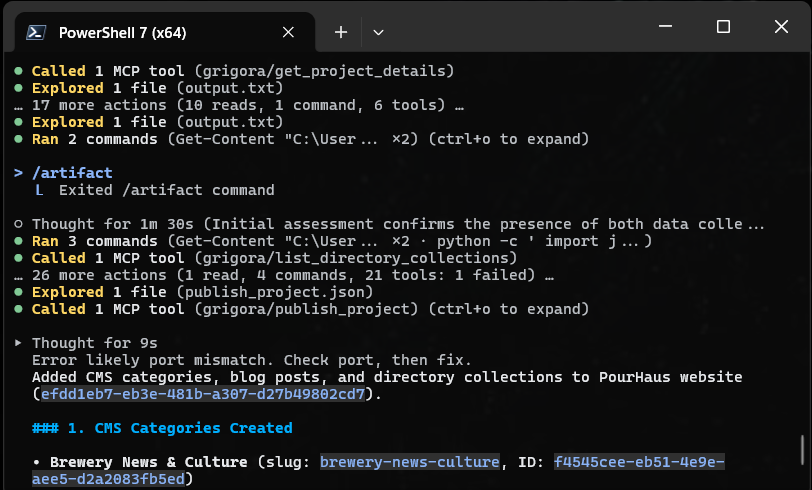
1. Blog & Article CMS Operations
Automate your content pipeline from drafting to live publishing:
create_cms_post: Generates a new article with title, slug, featured image, excerpt, body content, and publication status.list_cms_posts&get_cms_post: Retrieves articles with filters for status (draft vs. published) or tags, and inspects full post content.update_cms_post: Updates existing articles, edits body text, refreshes headlines, or adjusts SEO excerpts.publish_cms_post&unpublish_cms_post: Controls live visibility instantly, moving articles from draft to production or reverting them when needed.delete_cms_post: Removes outdated or archived posts.Category Tools (
list_cms_categories,create_cms_category,update_cms_category,delete_cms_category): Organizes articles into clean topical categories (e.g., "Design Trends", "Tutorials").
Example Agent Instruction
"Create a new draft blog post titled '5 Proven Tips for Responsive Web Design', assign it to the 'Design Trends' category, and set its meta excerpt."
2. Custom Directory Collections & Structured Databases
Grigora Directory allows you to create custom databases for repetitive structured data—such as real estate listings, restaurant & craft drink menus, event schedules, or portfolio case studies. AI agents can build both the schema and the records:
Managing Collections
create_directory_collection: Creates a new collection (e.g., "Property Listings", "Beers on Tap", or "Client Testimonials").list_directory_collections,update_directory_collection&delete_directory_collection: Manages collection metadata, names, and operational settings.
Defining Custom Schema Fields
create_directory_field: Adds custom fields to a collection schema (such as text, numbers, dates, email addresses, or dropdown options).list_directory_fields,update_directory_field&delete_directory_field: Inspects and customizes the fields and validation rules for any collection.
Managing Items (Records)
create_directory_item: Inserts a new record into a collection with all field values populated.list_directory_items&get_directory_item: Queries records within a collection.update_directory_item&delete_directory_item: Edits specific values within a record or removes records.
Editor Compatibility Note
Directory collections and custom schema fields apply to websites built with the legacy drag-and-drop editor. Websites created with the new AI website builder manage directories, catalogs, and organized listings directly through AI prompt generation without manual directory collection setup.
Example Agent Instruction
"Create a Directory collection called 'Property Listings' with fields for Price (text), Date (datetime), Cover Photo (image), and Location (map). Then add three property items with location and pricing details."
3. Digital Asset & Media Pipeline
Keep your media library organized and manage CDN uploads programmatically:
list_assets: Lists all uploaded image files, logos, and documents with file sizes and dimensions.get_asset: Fetches metadata and public CDN URLs for specific assets.get_asset_upload_urls: Generates secure, signed upload URLs so your agent or scripts can upload brand imagery directly to Grigora’s global CDN.delete_assets: Bulk purges unused or replaced images to keep your storage neat.
4. Newsletter Audience & Custom Fields
Configure your subscriber schemas and audience lists directly through conversational commands:
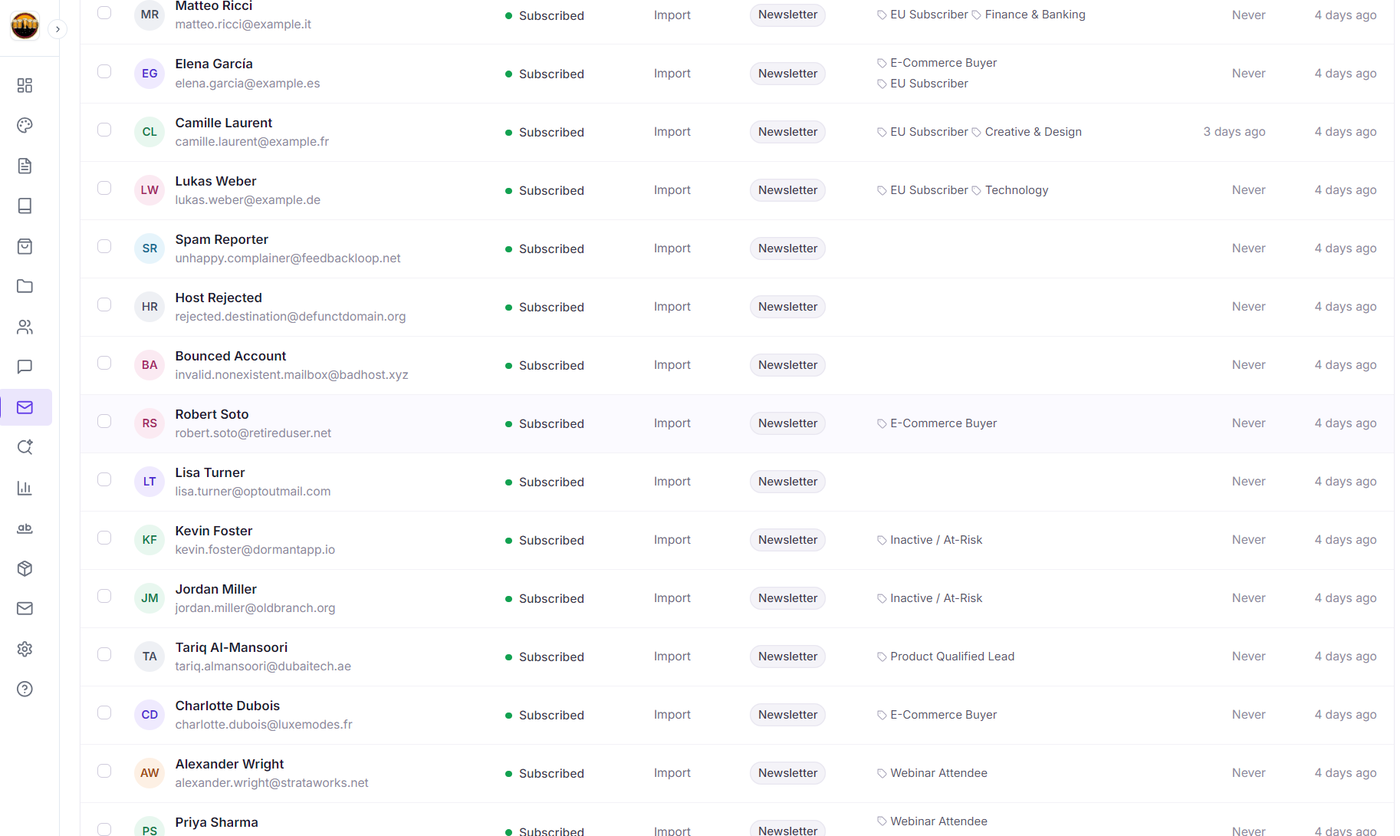
get_newsletter_schema: Inspects the core attributes captured for email subscribers.list_newsletter_lists: Displays all active audience lists (e.g., "Weekly Digest", "VIP Customers").create_newsletter_custom_field,list_newsletter_custom_fields&update_newsletter_custom_field: Adds custom demographic profile fields for contacts (such asCompany,Birthday, orIndustry).
End-to-End Workflow Example
Instruct your AI agent to orchestrate complex content setup in a single prompt:
Prompt:
"Please set up a 'Case Studies' directory collection. Add fields for Client Name, Project Year, and Results Summary. Insert a record for 'Acme Corp' (2025, 'Increased conversions by 40%'), then write and publish an accompanying blog announcement summarizing the case study."
The AI agent sequences the creation of the database collection, schema fields, record insertion, article draft creation, and publication automatically.
Next Steps
Explore related guides to master Grigora MCP tools and content management:
Grigora MCP Tools & Capabilities Guide — Complete reference for all 78 tools across Grigora.
Automating E-Commerce with Grigora MCP — How to manage store products, variants, prices, and collections.
Getting Started with Grigora CMS — Guide to managing content and categories in Grigora.
Getting Started with Grigora Directory — Guide to structured data collections and custom schema fields.