Use Grigora's AI Rewrite tool to revise a paragraph's grammar, tone, length, or wording. Select the text, choose a rewrite option, and review the suggestion.
Accessing the AI Rewrite Feature
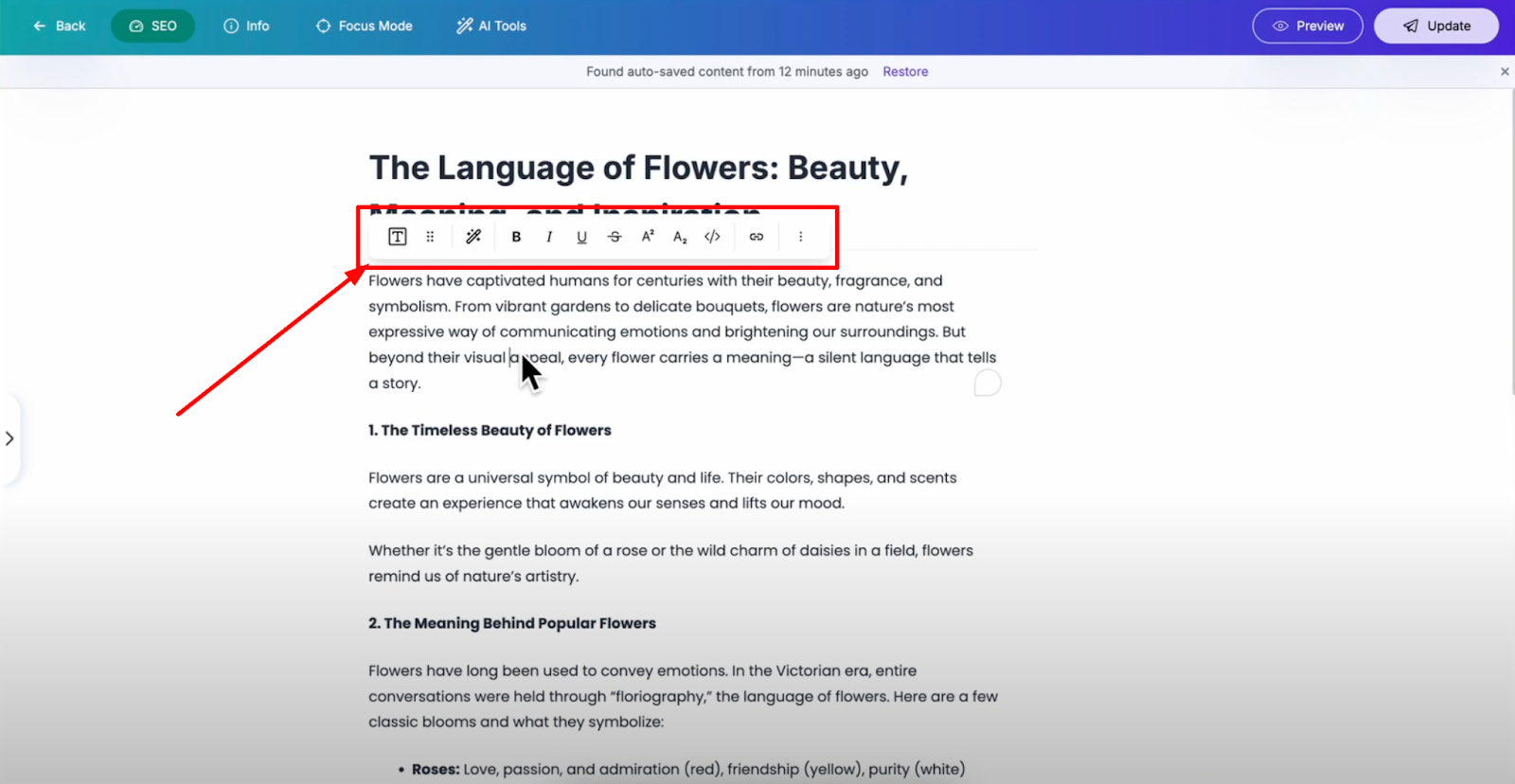
Open your post editor in Grigora and select any text block element in your content that you want to improve. Once you select the text element, you'll see the formatting toolbar appear with various editing options.
Finding the Rewrite Tool
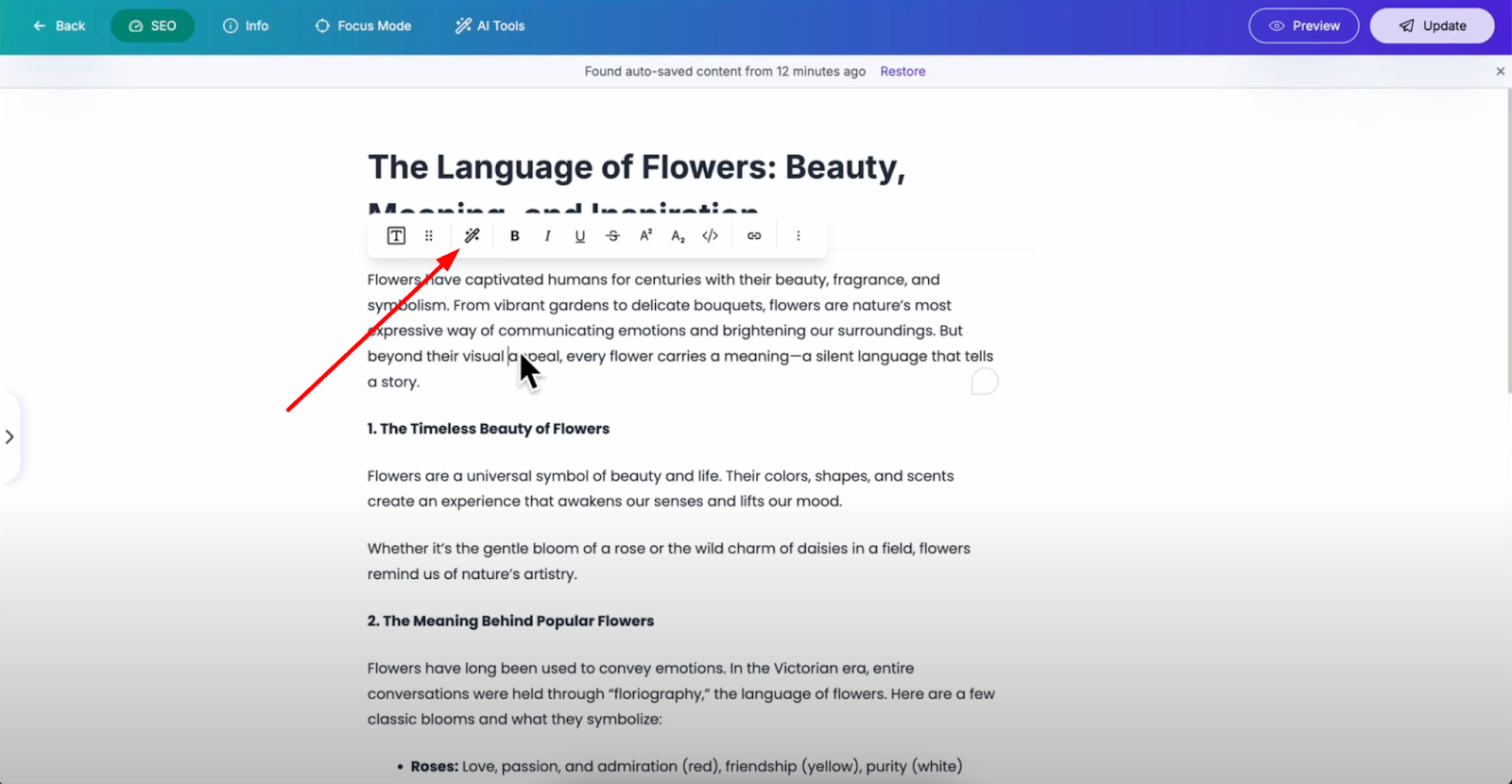
In the toolbar, you'll find the "Rewrite with AI" option: a feature that helps you enhance your writing in multiple ways using artificial intelligence. Review the suggested changes before using them.
AI Rewrite Options Available
When you click on "Rewrite with AI," you'll see several improvement options:
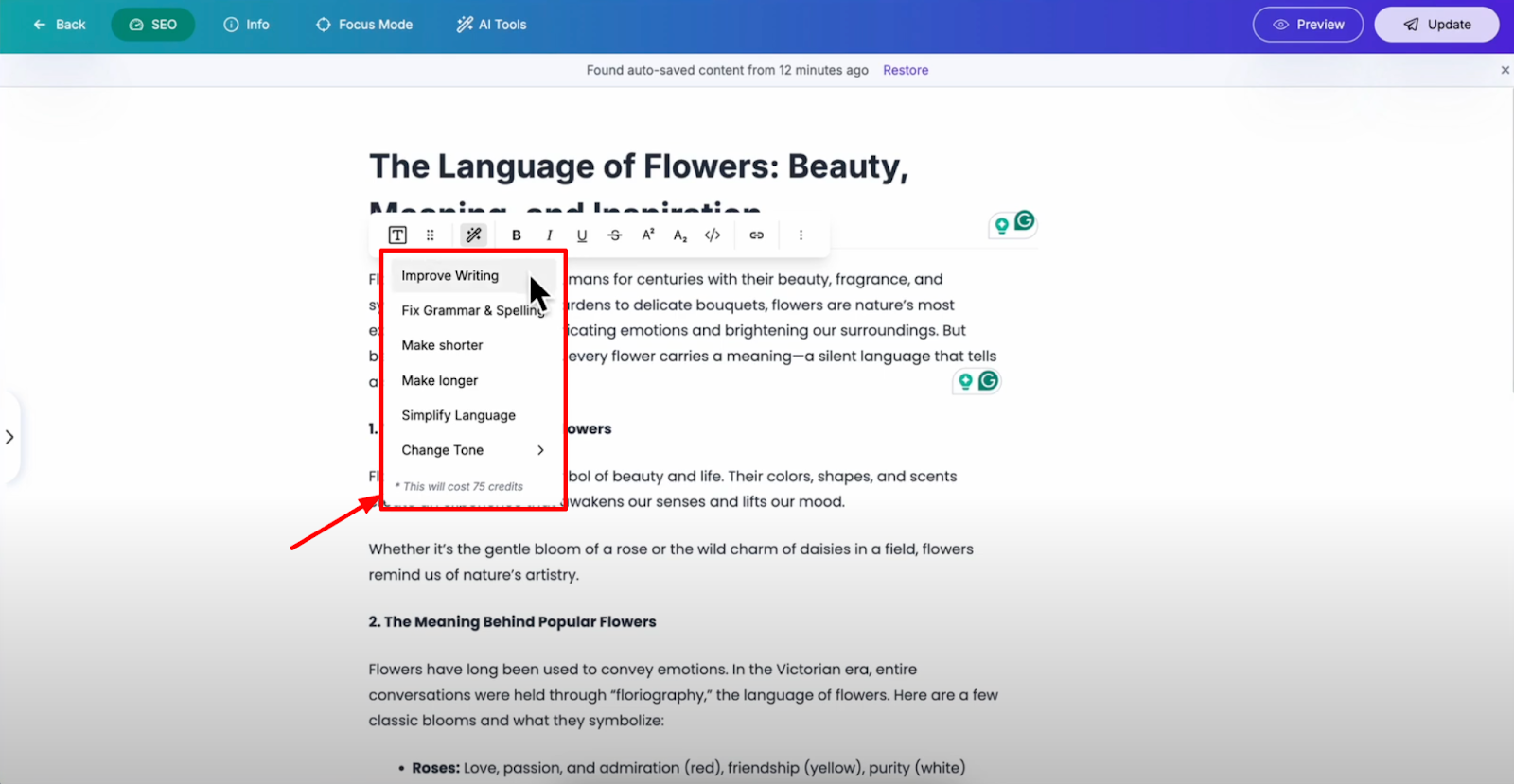
Improving Writing: The AI takes your existing content and enhances its clarity, flow, and professional appeal while maintaining your original message and meaning.
Grammar and Spelling Fixes: The AI automatically detects and corrects any grammatical mistakes or spelling errors, saving you valuable proofreading time.
Make Shorter: Removes unnecessary words and condenses ideas for more concise communication that gets to the point quickly.
Make Longer: Adds details, explanations, and context to the selected text.
Simplify Language: Converts complex terminology and sentences into simpler language that's easier for your target audience to understand and engage with.
Change Tone: Adjust your writing tone to match your brand voice or audience expectations, whether you need it more professional, casual, or persuasive.